
1.0.0·April 1, 2026
Open Canva Is Here
The Platform
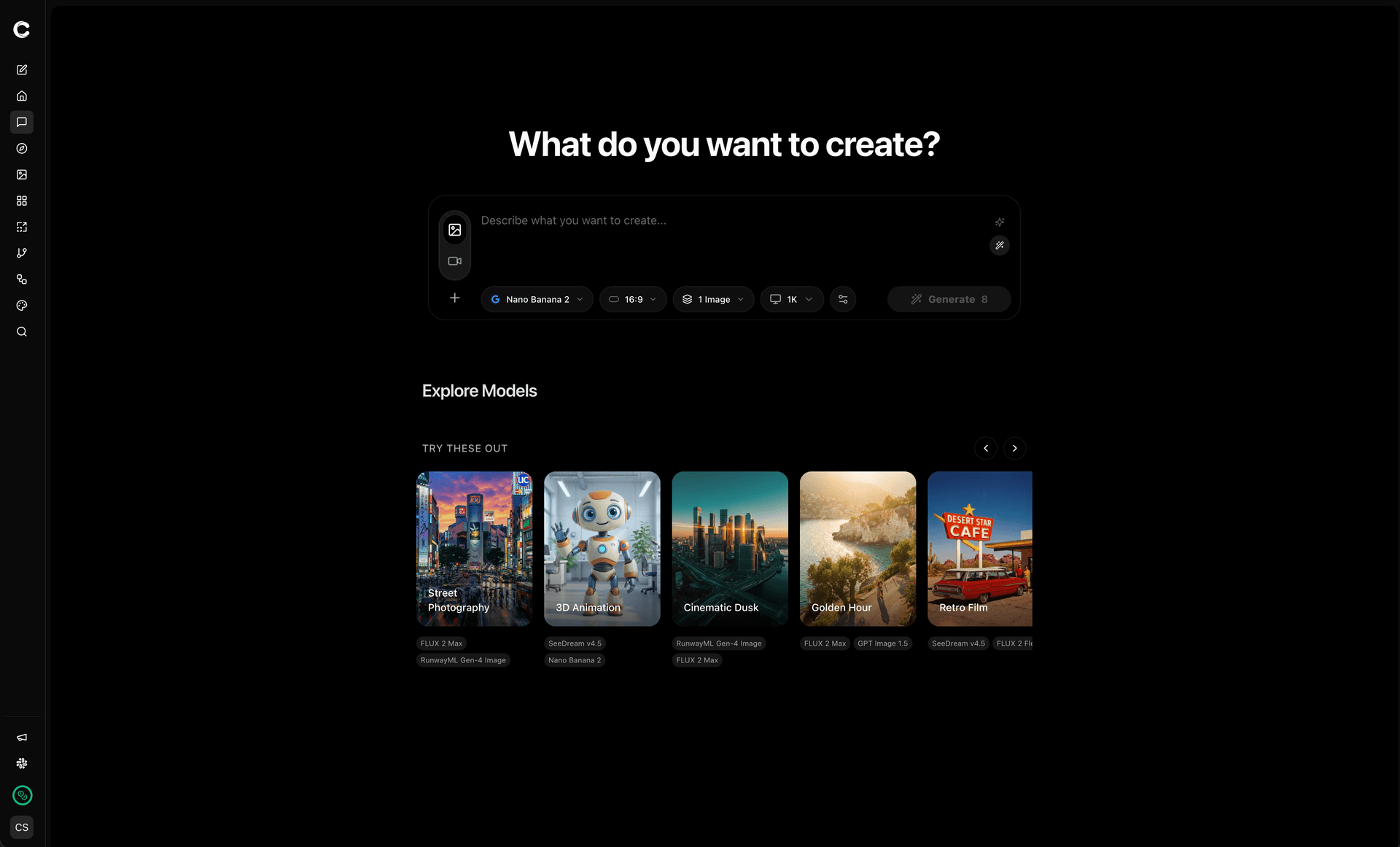
- AI Visual Ideation Studio: A new kind of creative tool built for teams that produce thousands of visual references a month. Describe what you see in your head — Open Canva generates it, iterates on it, and gets you to a shareable select in minutes, not hours.
- Multi-Model Generation: Access Flux Pro, Recraft, Ideogram, Kling, and more from a single workspace. Switch models mid-session to find the right aesthetic without leaving your flow.
- Image-to-Video Pipeline: Take any generated image and extend it into motion — video generation is built into the same session, same credits, same workflow.
- Prompt Assistant: An AI co-pilot that helps refine prompts, suggest variations, and lock creative direction faster. Think of it as a junior creative who never sleeps.
Explore
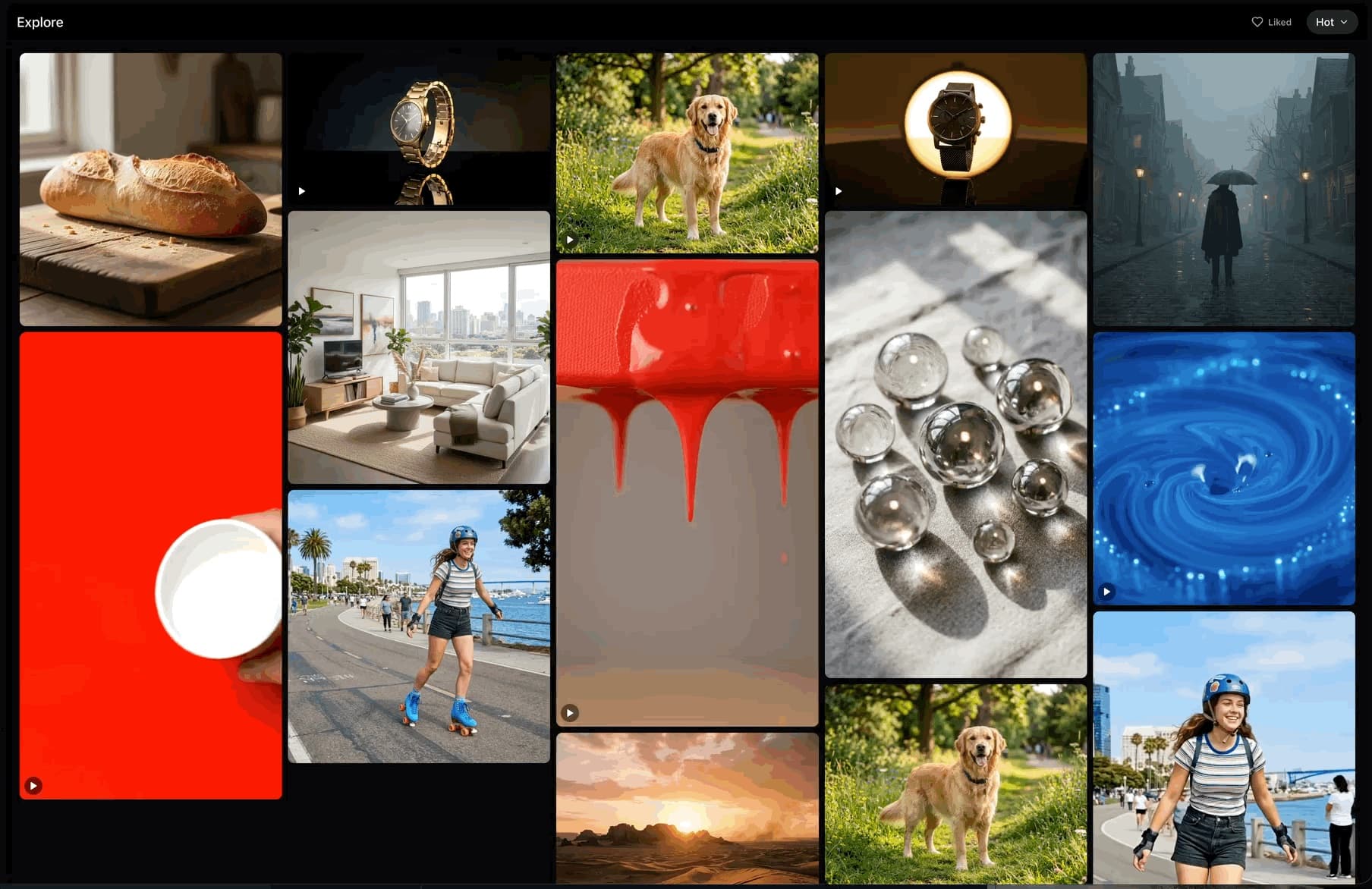
- Community Gallery: Browse what others are creating in a full-bleed masonry feed. Like, remix, and use any public generation as a starting point for your own work.
- Discover Models: See what each model can do through real examples — not sample prompts, but actual generations from real sessions.
Upscaler
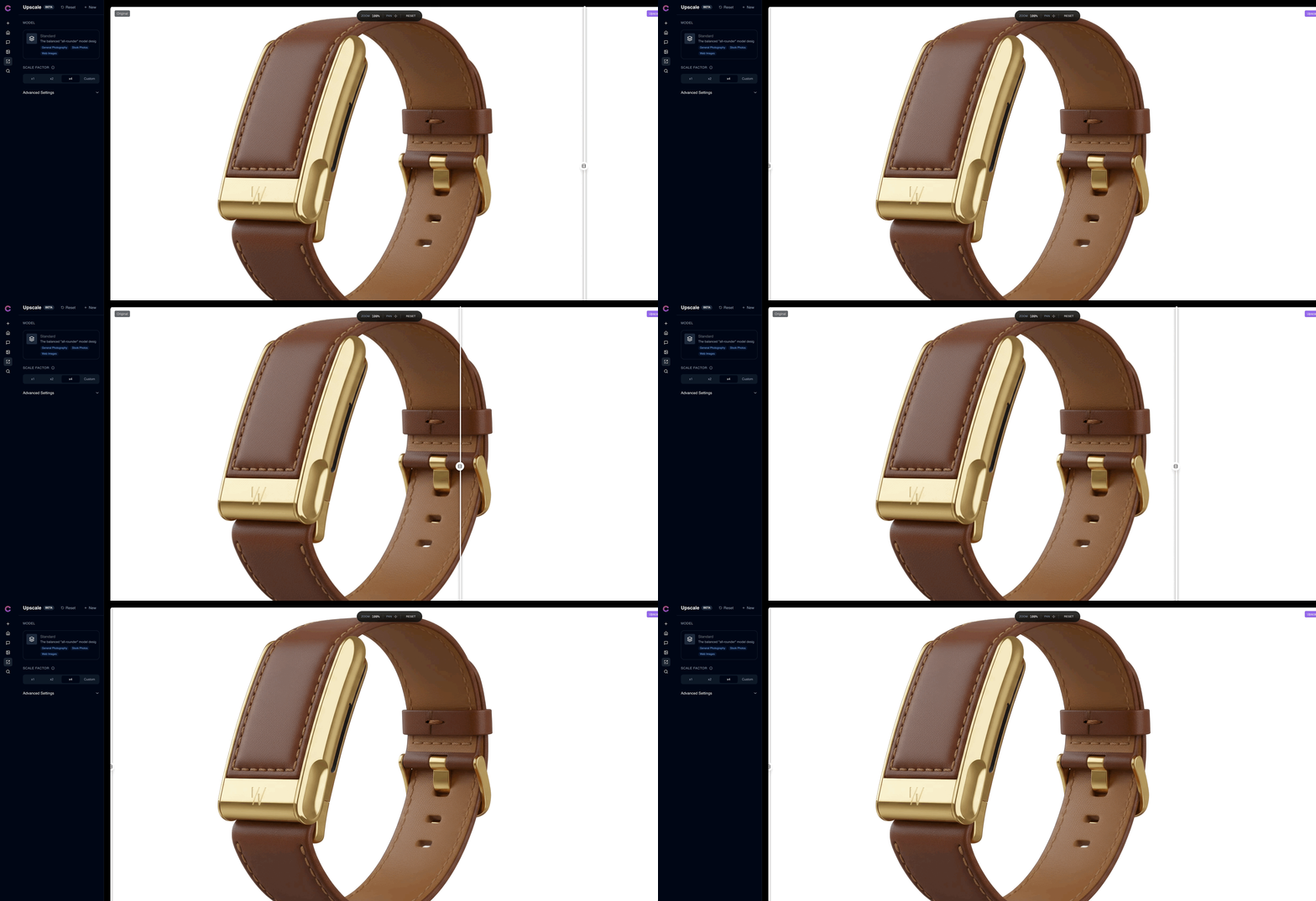
- AI Upscaling: Take any generation from ideation-quality to production-ready. The upscaler enhances detail, sharpens textures, and scales up to print resolution without artifacts.
- One-Click Enhancement: Right-click any image in your session and upscale it — no separate tool, no export-import dance.
Asset Library
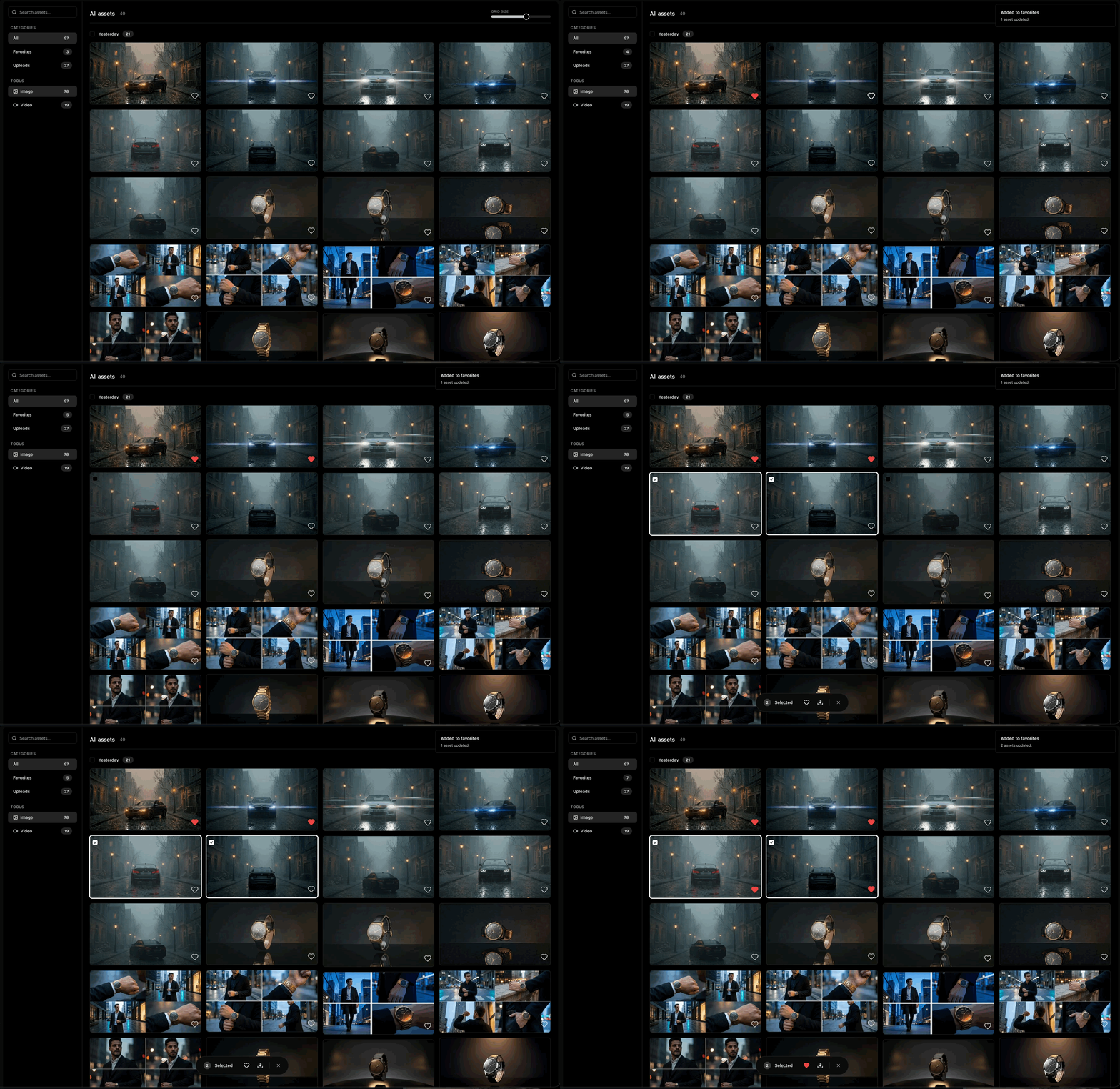
- Centralized Assets: Every generation you create lives in a searchable, filterable library. Tag, favorite, and organize assets across sessions.
- Quick Preview: Hover to preview, click to expand, drag to reuse. The asset library feels like a native file browser built for visual work.
Workflow
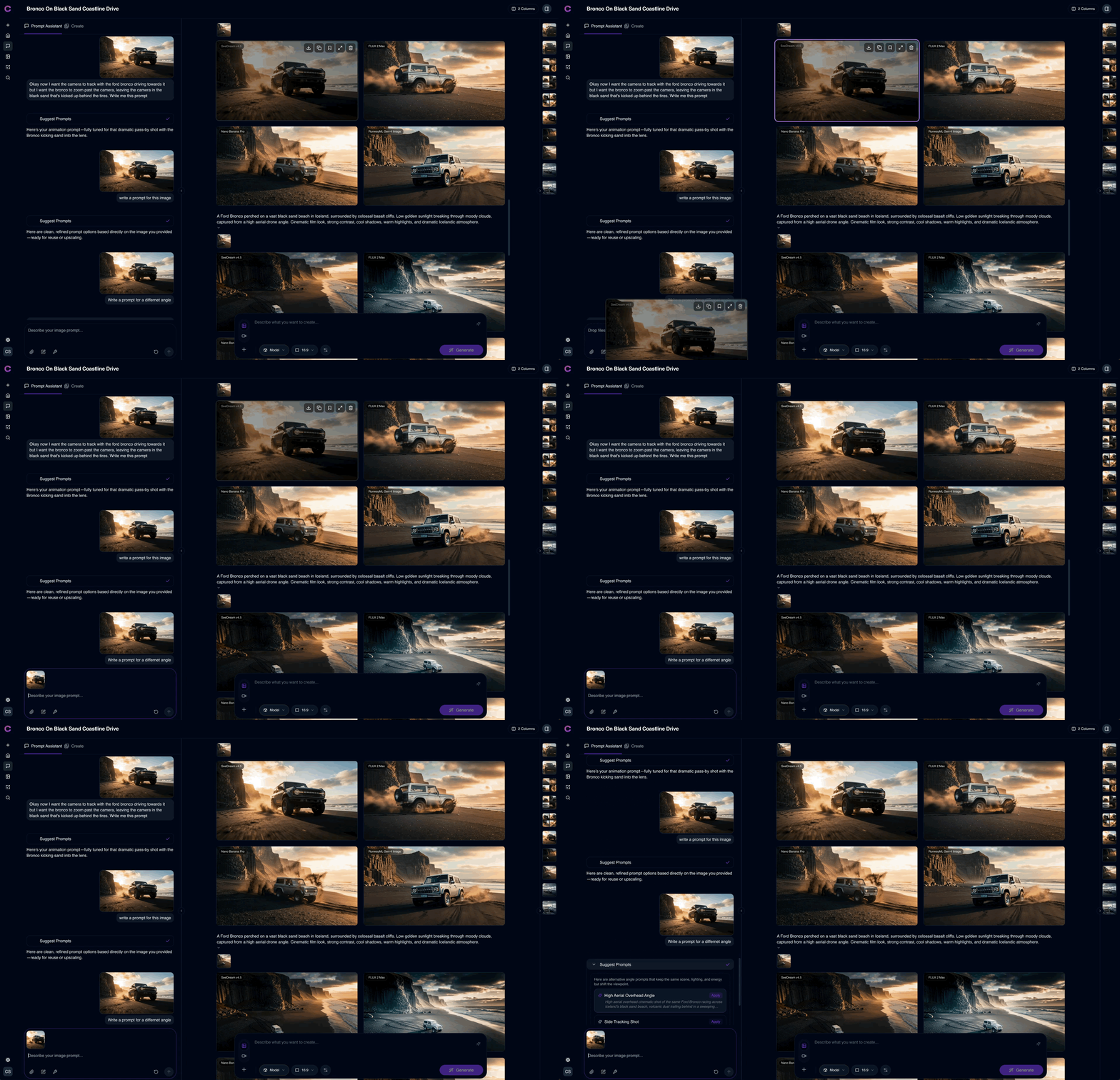
- Sessions: Every project lives in a session — a persistent workspace where generations, references, and prompt history stay organized and revisitable.
- Reference-Driven Generation: Pin moodboards, materials, and inspiration directly into sessions. Generations stay grounded in your visual language, not random noise.
- Split Workspace: Sessions, generations, and prompt controls are visible together in a split layout so the workflow feels fast and legible during deadline work.
Billing & Plans
- Credit-Based Pricing: Pay for what you generate. Credits scale with your plan — Starter, Pro, and Team tiers designed for solo creatives through full studios.
- Annual Pricing: Save 20% with annual billing. Manage your subscription, switch plans, or cancel directly from settings.